
Maximize the Effectiveness of Freezer Temperature Alerts
For freezer temperature alerts to be effective, it's critical that escalation levels and customized thresholds are established. Learn more here.
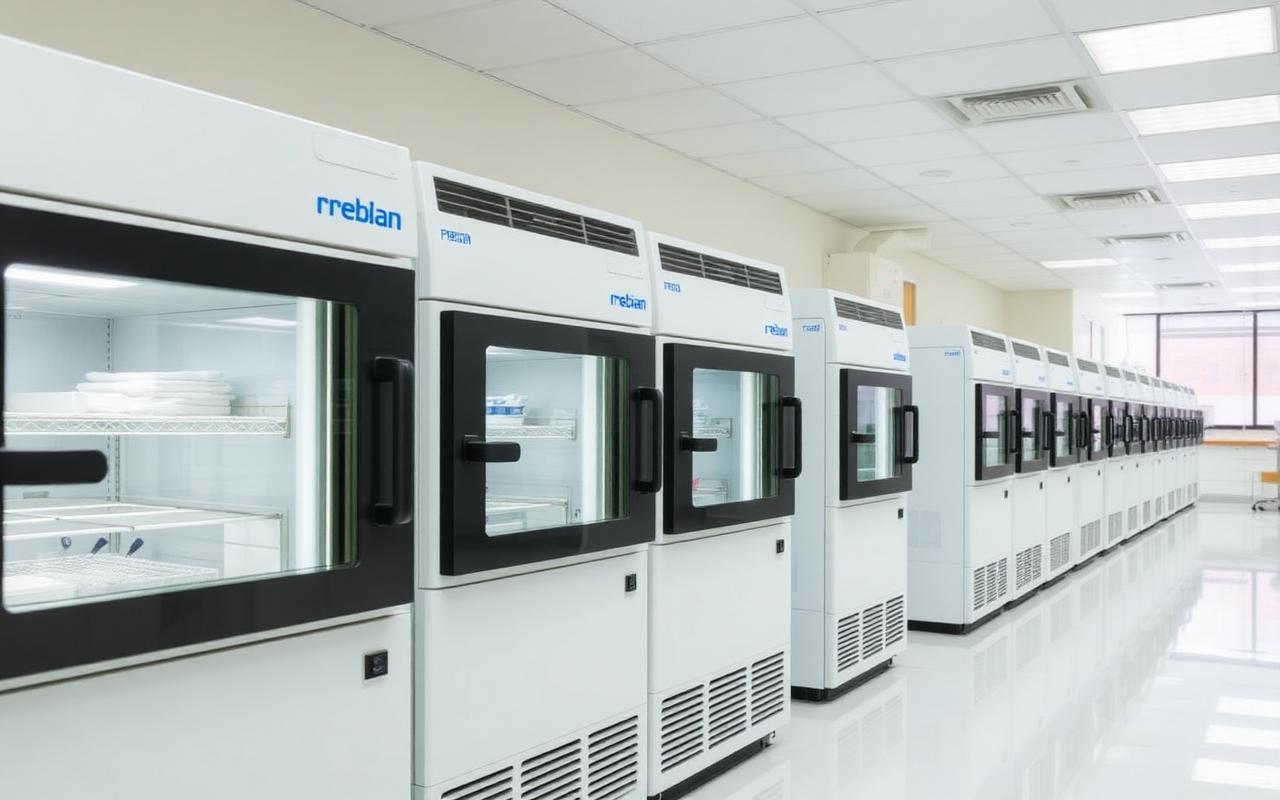
For freezer temperature alerts to be effective, it's critical that escalation levels and customized thresholds are established. Learn more here.
Why Freezer Temperature Alerts Need a Smarter Strategy
Over the period of a weekend, lab personnel can receive hundreds of freezer temperature alerts from a remote monitoring system. When these alerts are continuously repeated, it can lead to alert fatigue for those on the receiving end — and staff may tend to ignore future freezer temperature alerts. Ignoring freezer temperature alerts can lead to missing significant problems when they do occur, and leaves more room for costly failure.
To avoid alert fatigue and make a lab freezer monitoring system more effective, there are three critical steps:
- Establish alert escalation conditions that are based on the severity of the issue
- Customize alert thresholds to reflect the proper temperature range of each lab freezer
- Enable staff to temporarily disable alerts if the problem is understood and is being addressed
Implementing these steps ensures lab personnel will be free of alarm fatigue, and your lab samples will be kept safe.
The Benefits of Lab Freezer Monitoring Systems — And How They've Evolved
There are three key benefits of monitoring the internal temperature of freezers and refrigerators:
- Problem notifications — giving lab personnel time to react to serious freezer or refrigerator issues
- Data logging — establishing a permanent record of freezer temperatures for compliance and troubleshooting purposes
- Reporting — generating reports both automatically and on-demand, for analysis and compliance purposes, and documenting steps taken to remediate the problem
Providing sufficient reaction time to address freezer and refrigerator problems is usually the primary reason that remote temperature monitoring systems are put in place. These systems have come a long way in the past few decades — from "robocalls" to a list of phone numbers, to signals sent to paging systems, to delivery to individual pagers, to current systems that send direct notifications to individuals via text message, email or even phone calls.
How to Avoid the Dreaded Freezer Temperature Alert Fatigue
Like any other early warning system, a remote freezer monitoring system needs to be highly effective in order to be beneficial to lab operations. There are many instances where lab monitoring systems have sent out hundreds of freezer temperature alerts over a weekend, which can be frustrating instead of helpful, even if they continue to let you know the problem still exists.
The goal should be to establish alert-triggering thresholds that reflect varying levels of problems, and send reminders that issues are still active, but not to send hundreds of alerts for a problem that lasts a few days. The best way to accomplish this goal is to have at least three different triggering thresholds for different severity levels of problems.
Three Levels of Escalation for Freezer Temperature Alerts
Level One — Unusual Conditions Worth Knowing About
Trigger freezer temperature alerts for conditions that are unusual enough that you want to be notified if they occur, but probably don't need action unless they continue to be unresolved.
If a door on a -80°C freezer is left open longer than usual, and the temperature inside climbs above normal levels, that's something you may want to know about — but routine door openings should not flood inboxes with alerts.
Set the triggering threshold high enough to avoid receiving alerts every time the freezer door is opened, while still flagging conditions that linger long enough to be unusual.
Level Two — A Definite Problem Requiring Action
Indicate that there is a definite problem that requires action or intervention, with the alert repeated every hour or so so the right people see it.
Other staff may miss the original alert — phone battery dead, out of cell signal range, or notification missed entirely — and the freezer may already be above the limits of what's safe for long-term storage.
Repeat the alert every hour or so until acknowledged. For -80°C freezers, you likely have about four to six hours to move the freezer contents, so it's possible you may need to move the contents out of the freezer to protect them.
Level Three — Immediate, All-Hands-On-Deck Action
Cover even more extreme conditions, where immediate action is required to protect sample integrity.
If the temperature has now reached a point where the integrity of the samples is at risk, samples must be moved very quickly to a freezer or storage device at -80°C or colder.
Make sure all appropriate staff receive these alerts and potentially have the alert go out by email, text message and phone call to make sure they are seen by everyone. Have alternative storage locations identified in advance so quick action can save the lab samples.
Tip: It's good practice to know what your next step is if a freezer does indeed fail. Do you have a spare freezer or space in another freezer to store freezer contents? Ideally, the answer is yes. If you don't, dry ice can provide -79°C temperature for a while. Labs have also been known to move samples to ice chests and bathe the contents in LN2 until the freezer is repaired or replaced.
What Are the Proper Thresholds For Each Level?
The simple answer is: it depends. Given that you establish alert escalation conditions based on the severity of the issue, the exact alert thresholds for each escalation level should be appropriate for the samples and the equipment.
If you have new freezers that maintain internal temperatures right at -80°C, then you may want the first triggering threshold at -72°C for more than 30 minutes. Even relatively prolonged door openings tend to last only a few minutes, so elevated temperatures for more than 30 minutes are very unusual, and you'll probably want to be notified of that.
If the inside temperature of the freezer gets to -68°C for more than 20 minutes, then there is a definite issue, and the second triggering threshold has been reached. This is a full 12° warmer than normal, and far more than a typical door opening would cause. At this point, someone needs to investigate the root of the problem — power outage, door left ajar, compressor issues, etc.
A third urgent level is reached if the temperature gets to -64°C for more than 20 minutes. Both DNA and RNA will start to degrade over time at temperatures above -65°C. For most samples, this means it's urgent they be moved somewhere with temperatures colder than -72°C.
Older freezers may not maintain -80°C, but they still reliably maintain temperatures that are perfectly appropriate for certain samples — let's say -74°C. For these freezers, you will want to set up different triggering thresholds for each level; otherwise, it will be common for the temperature to go above the -72°C trigger established for new freezers, triggering the first level of alerts. By looking at a graph of temperatures inside the freezer over a few weeks, you'll be able to see the freezer's typical temperature range and can start testing triggering alerts with different temperature and time interval thresholds. You can then use this temperature data to fine-tune the temperature alert thresholds, even for older freezers that cannot maintain -80°C temperatures.
When It Comes to Alert Repetition, Less Is More
While it is important to repeat freezer temperature alerts to make sure staff is aware of issues, the number and frequency of repeated alerts must be customized to how your staff will react to problems.
For example, it is common for lab personnel to miss initial alerts in evenings and on weekends — whether it's a matter of bad cell reception, dead batteries, phones on mute, etc. Repeating alerts until someone takes responsibility for handling the problem is crucial — but how frequently?
For minor or possible freezer problems, repeating alerts every two hours or so should be sufficient, as immediate action is not required. For more serious alert conditions, the alert frequency should be increased so that critical response times to problems are not missed. Enabling a staff member who is on top of the situation to suspend repeated alerts will stop the influx of alerts for a situation that is being handled.
The key is to issue just enough warnings to reflect the severity of the problem, and then to stop sending alerts once someone takes responsibility for dealing with the issue at-hand.
Documenting Actions Taken and Notes on Alerts
Once a staff member takes responsibility for dealing with the problem that generated the freezer temperature alert, they should document the steps they plan to take to resolve the issue, as well as provide ongoing notes of the progress and problems encountered. Including the notes in the alert history allows other lab personnel to monitor the progress. It also provides a permanent record of how the problem was handled, which is valuable in terms of optimizing troubleshooting procedures and streamlining compliance measures.
The CORIS System Is Equipped with Customizable Smart Alerts
The CORIS real-time temperature monitoring system has a three-tiered escalation scale that identifies the severity of the issue and sends notifications to different individuals based on the significance of the problem, as well as the time and day of the week, in the frequency and format that's preferred (e.g., email, phone, text). The CORIS system alerts are customized based on the actual temperature range of the specific freezers, and customized to effectively alert appropriate staff if there are problems. As freezer issues are addressed, alerts can be temporarily disabled to reflect that a resolution is in motion.
This is just one of the features that set our solution apart from other options in the market. Learn more about what makes our system unique — and contact us with any questions.
See how CORIS can protect what matters to you.
Talk to our team about a deployment tailored to your environment.