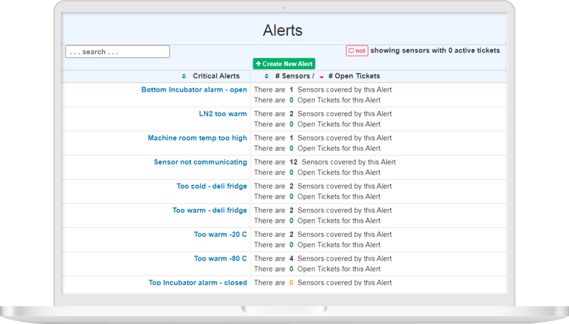
Temperature monitoring, the way it should be — simple and effective.
CORIS is designed to monitor a wide range of temperatures across freezers, refrigerators, incubators, walk-in coolers, museums, warehouses, and construction sites — with real-time data, automated reports, and customizable alerts on any device.
Temperature Monitoring Sensors
Each sensor measures temperature (or other variables) in real time, and wirelessly transmits readings to the CORIS Gateway via LoRa wireless, which enables much greater penetration through walls/floors than Wi-Fi or Bluetooth. The sensors include internal batteries to store readings for several days during power outages or if communications to the CORIS cloud are interrupted.
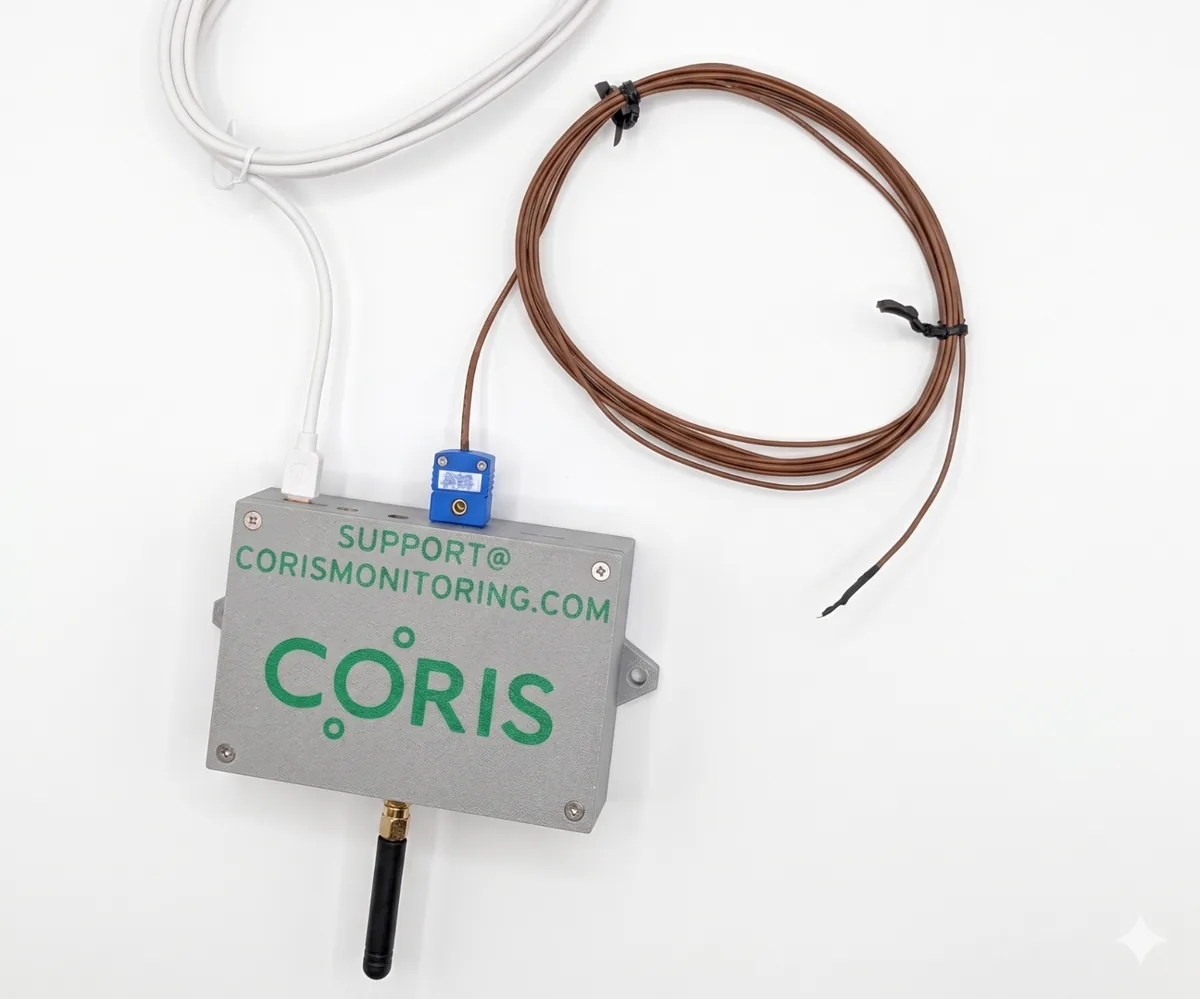
LoRa Gateway
The CORIS Gateway receives sensor readings and forwards them to the CORIS cloud. Each gateway can simultaneously communicate with over 100 CORIS sensors. Signals between sensors and gateways can penetrate several floors and walls in large buildings (typically 5 to 10 floors, and 20 to 40 walls) or span multiple buildings.

CORIS Cloud
Sensor readings sent to the CORIS cloud are permanently logged and compared in real time to established thresholds. If trigger conditions are met, alerts are immediately sent to select personnel via phone call, email, or text message (or a combination). Once logged, readings are stored in the cloud forever.
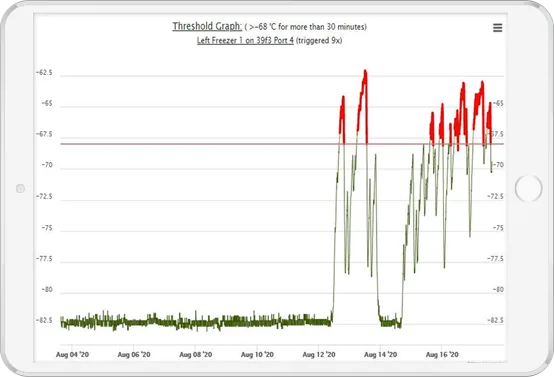
Web-Based User Interface
From any web-enabled device, CORIS users have convenient 24/7 access to device temperature data, reports, graphs, and alerts. An intuitive navigation paired with a highly customizable setup — such as Teams, which lets personnel monitor only their devices of interest — maximizes efficiency.